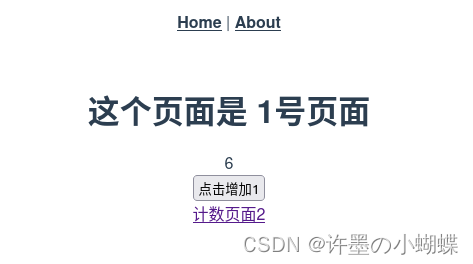
使用vuejs 2.x (不是nuxt) 做个demo: 使用 vuex, router ( store, action , mutation)
使用命令创建项目
根据图片提示选择需要的内容,选择vuex router
按空格进行多选
vue create vuex1
cd vuex1
yarn serve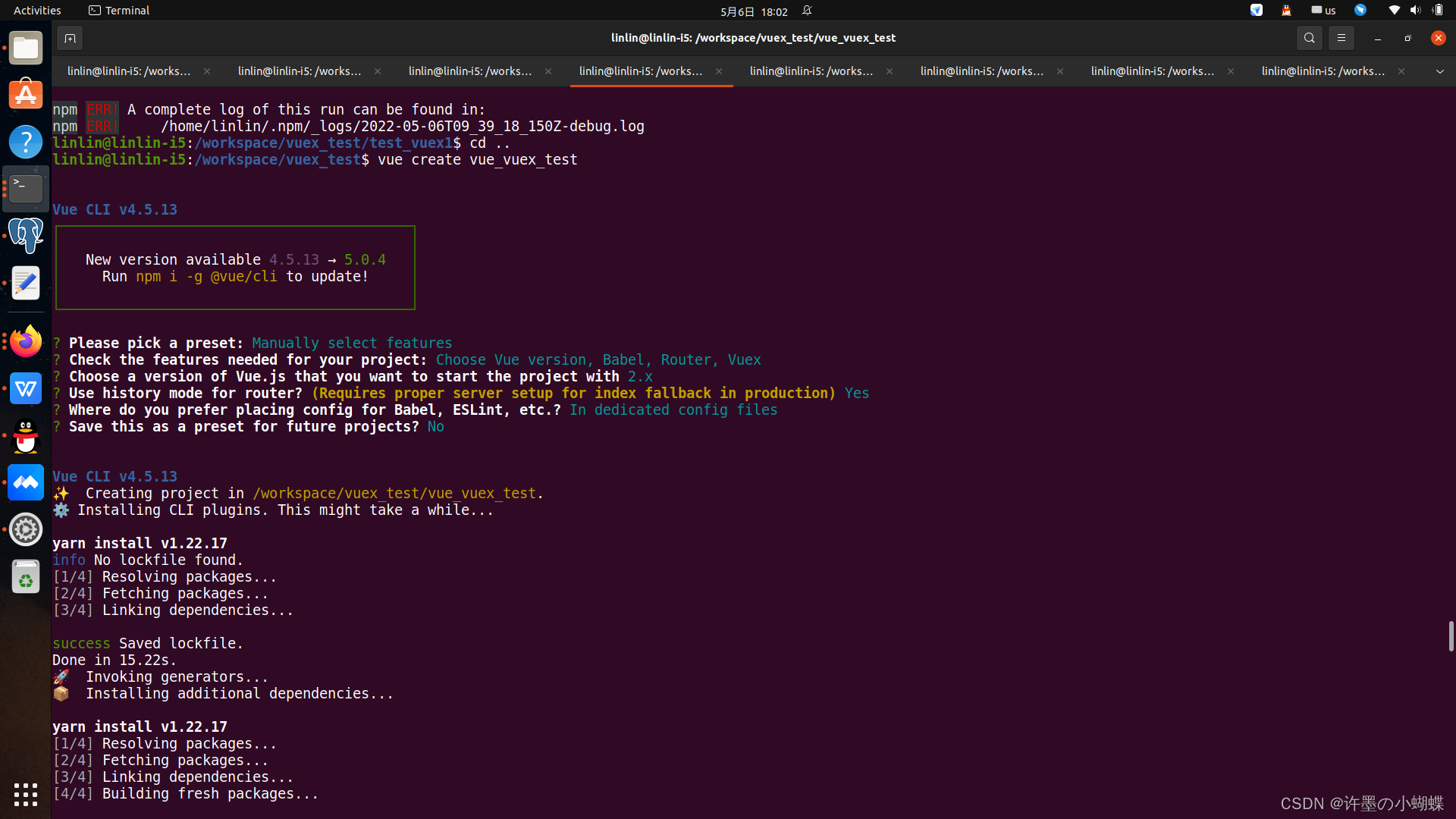
假设,我们有两个页面: "页面1" 和"页面2" , 共同使用一个变量: counter. 页面1对 "counter" + 1 后, 页面2的值也会发生变化.
1.修改
package.json
package.json如果该文件没有vuex 版本,进行安装,此时我们已经选择了vuex,就不需要再次安装 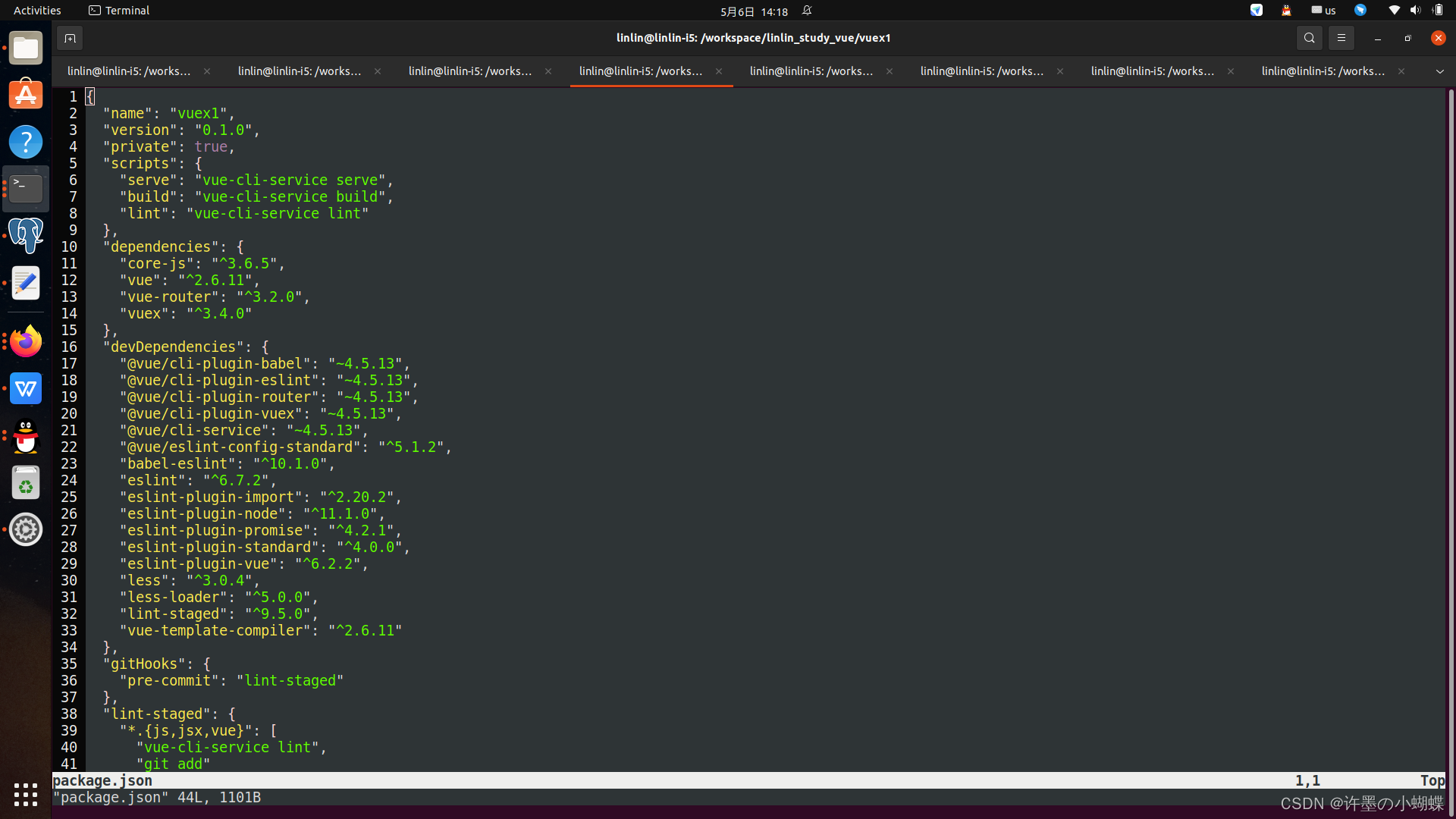
2.新建文件:
src/vuex/store.js
src/vuex/store.js这个文件的作用,是在整个Vuejs项目中, 声明: 我们要使用Vuex进行状态管理了.
import Vue from 'vue'
import Vuex from 'vuex'
// 这个就是我们后续会用到的counter 状态.
import counter from '@/vuex/modules/counter'
Vue.use(Vuex)
const debug = process.env.NODE_ENV !== 'production'
export default new Vuex.Store({
modules: {
counter                // 所有要管理的module, 都要列在这里.
},
strict: debug,
middlewares: []
})
3.新建文件:
src/vuex/modules/counter.js
import { INCREASE } from '@/vuex/mutation_types'
const state = {
points: 0
//默认值为0
}
const getters = {
get_points: state => {
return state.points
}
}
const mutations = {
[INCREASE](state, data){
state.points = data
}
}
export default {
state,
mutations,
getters
}
上面是一个最典型的 vuex module, 它的作用就是计数.
- state: 表示状态. 可以认为state是一个数据库,保存了各种数据。我们无法直接访问里面的数据。
- mutations: 变化。 可以认为所有的state都是由mutation来驱动变化的。 也可以认为它是个setter.
- getter: 取值的方法。 就是getter( 跟setter相对)
我们如果希望"拿到"某个数据,就需要调用 vuex module的
gettermutation
4.新增文件:
src/vuex/mutation_types.js
export const INCREASE = 'INCREASE'大家做项目的时候, 要统一把 mutation type定义在这里. 它类似于 方法列表.
5.新增路由:
src/routers/index.js
import ShowCounter1 from '@/components/ShowCounter1'
import ShowCounter2 from '@/components/ShowCounter2'
export default new Router({
routes: [
{
path: '/show_counter_1',
name: 'ShowCounter1',
component: ShowCounter1
},
{
path: '/show_counter_2',
name: 'ShowCounter2',
component: ShowCounter2
}
]
})
6.新增两个页面:
src/components/ShowCounter1.vuesrc/components/ShowCounter2.vue
这两个页面基本一样.
<template>
<div>
<h1> 这个页面是 1号页面 </h1>
{<!-- -->{points}} <br/>
<input type='button' @click='increase' value='点击增加1'/><br/>
<router-link :to="{name: 'ShowCounter2'}">
计数页面2
</router-link>
</div>
</template>
<script>
import store from '@/vuex/store'
import { INCREASE } from '@/vuex/mutation_types'
export default {
computed: {
points() {
return store.getters.get_points
}
},
store,
methods: {
increase() {
store.commit(INCREASE, store.getters.get_points + 1)
}
}
}
</script>可以看出, 我们可以在
<script>
increase() {
store.commit(INCREASE, store.getters.get_points + 1)
}这里,
store.getters.get_pointsgetter
store.commit(INCREASE, .. )INCREASEaction
Computed属性
Computed 代表的是某个组件(component)的属性, 这个属性是算出来的。 每当计算因子发生变化时, 这个结果也要及时的重新计算。
上面的代码中:
<script>
export default {
computed: {
points() {
return store.getters.get_points
}
},
</script>
就是定义了一个叫做 'points' 的 'computed'属性。 然后,我们在页面中显示这个”计算属性":
<template>
<div>
{<!-- -->{points}}
</div>
</template>就可以把 state中的数据显示出来, 并且会自动的更新了。
重启服务器(
$ npm run serve